Responding
On this page you’ll learn the following:
-
Check whether there are any web inputs waiting for your response.
-
Respond to those web inputs.
Via the Globus Web App
-
Open the User Dashboard and check the
Notificationstab in the top right corner. If web inputs are awaiting, clickReview Web Inputs.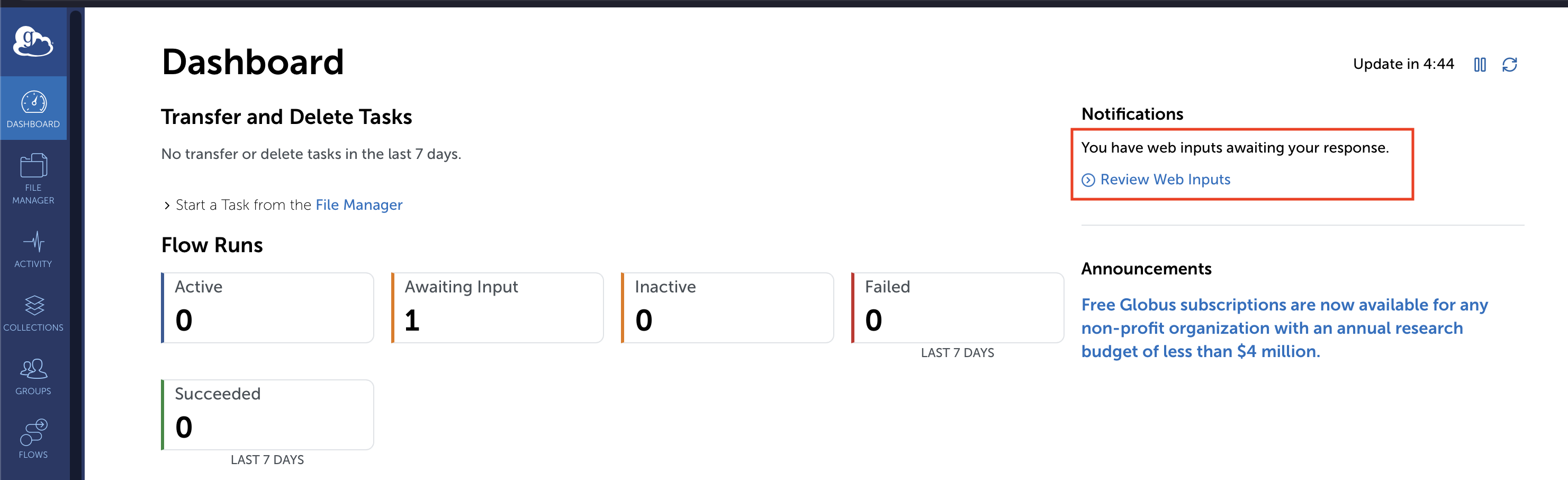
-
[Optional] Select
Filtersin the top left and deselectClosedto filter out web inputs which already have a response. -
Select
Respondon the right side of a web input.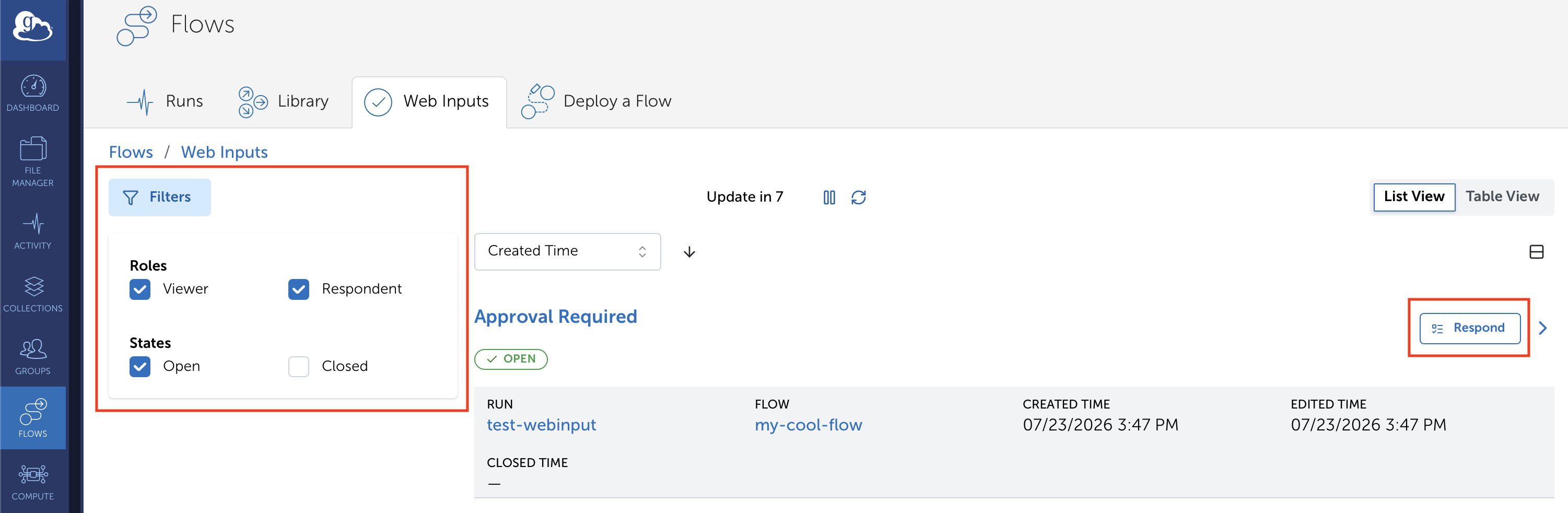
-
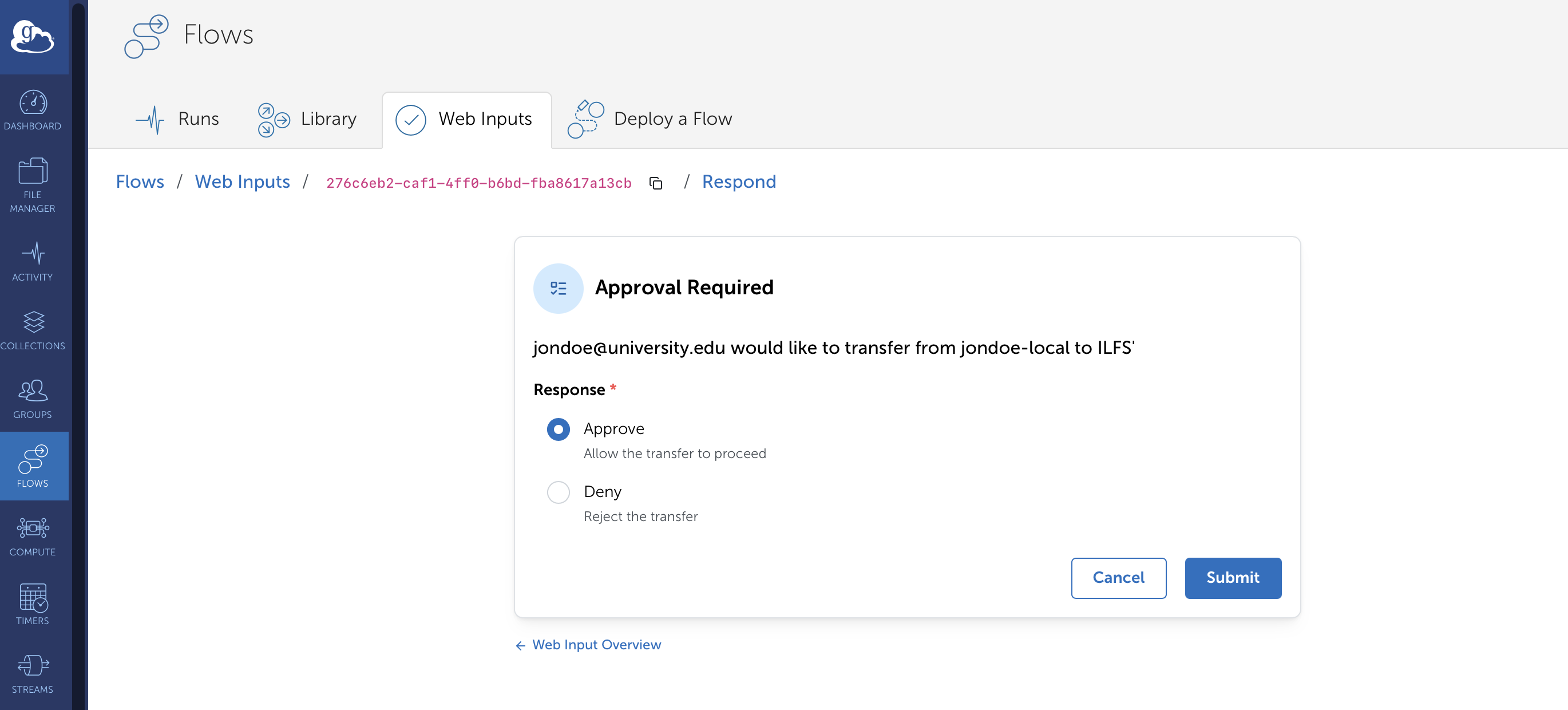
Select an option and
Submityour response.